Jai Club Login Steps And What To Do If Password Is Forgotten
Your Jai Club login takes less than a minute when you have your registered mobile number and password ready. The same steps work on the Android app and on the website, so you can sign in from a phone, a laptop or an iPhone browser.
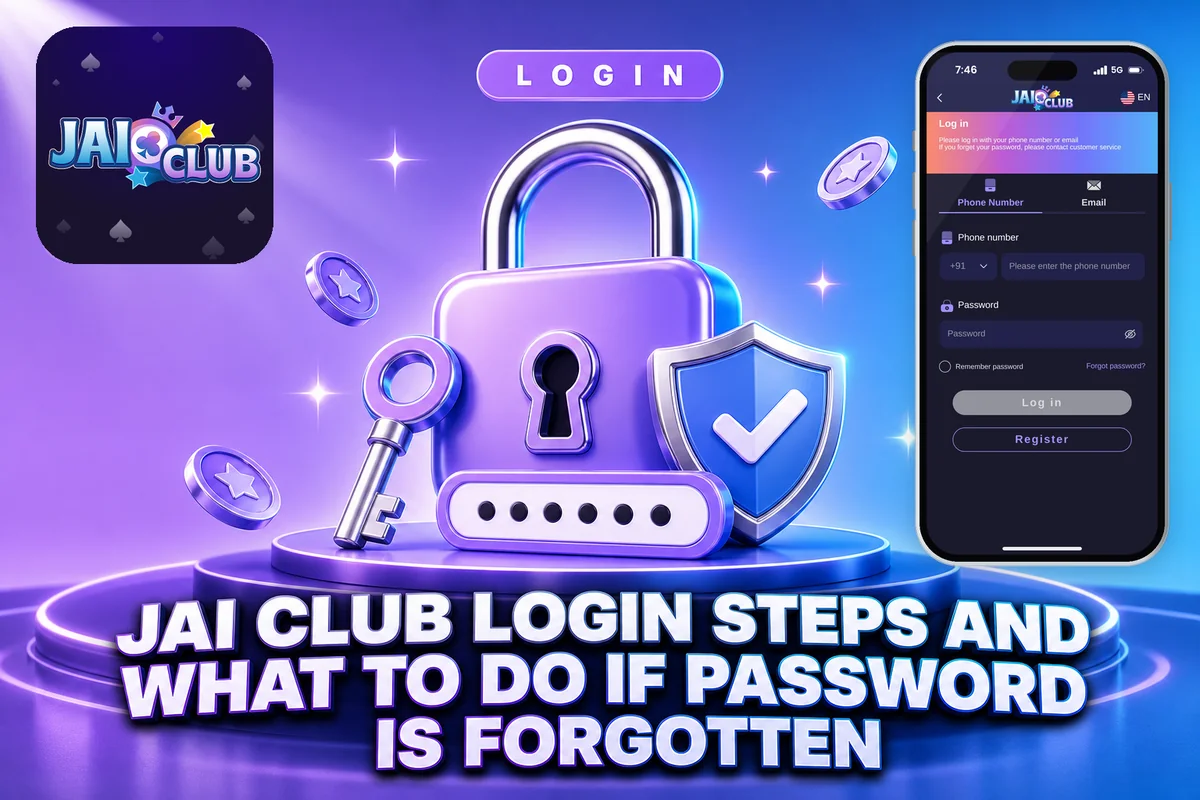
Most login trouble comes from three small things: a missing +91 country code, a password typed with the wrong capital letters, or a fake link sent by someone pretending to be support. Below you will find the exact steps, the fix for each common error and what to do when you have forgotten your password.
Jai Club is open only to users aged 18 and above, and every game on the platform is played with real money. Since the rules on real-money gaming differ from one Indian state to another, check what is permitted where you live before you log in or add funds.
How To Do Jai Club Login On The App And Website
The login steps are identical on the app and on the website. Launch either one, tap the Account tab, type your registered mobile number and password, then hit Login. Learn the Jai Club login process once and it will work on both.
Launch the Jai Club app on Android, or open the website in Chrome, Safari or any browser on PC or iPhone.
The Account tab in the bottom menu takes you to the login page if you are not signed in yet.
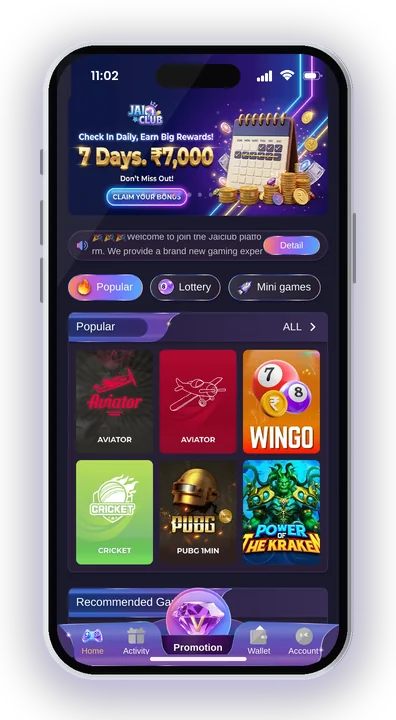
Type the mobile number you used to register. Keep the India country code set to +91.
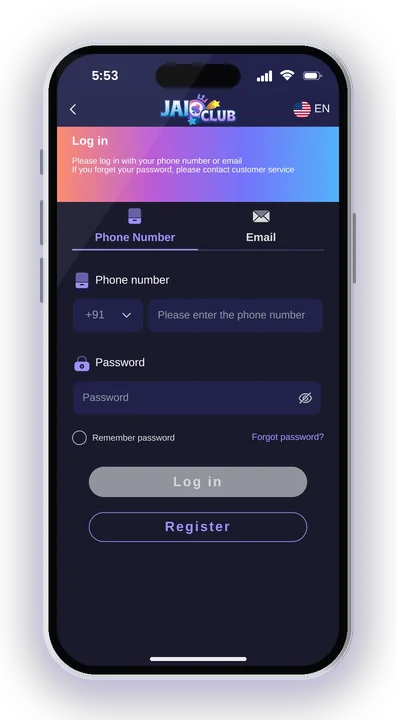
Type the password just as you created it, keeping the same uppercase letters, lowercase letters and digits.
If the details match, your account dashboard opens with your Balance, Wallet and games.
Don’t have an account yet? First go through signing up with an invite code. The invite code is needed at registration, and without an account you can’t log in.
Login With Mobile Number Or Email And The +91 Code
Jai Club accounts are created with a mobile number, so the number you registered with is your login ID. Some players also see an email option on the jai club login page; use it only if you actually linked an email to your account.
Why The +91 Country Code Matters
The login form keeps the country code in a separate box. Leave it on +91 and type only your 10-digit number after it, without a 0 or a second +91 at the start.
A common mistake is typing the country code before your mobile number in the number box. The system then reads it as a 12-digit number and says the account does not exist, even though your account is fine.
Using The Right Number After A SIM Change
If you changed your SIM, your login ID is still the old number you registered with. Your password and Balance stay linked to that number, so do not create a fresh account with the new one.
Losing access to the old number can matter later if an OTP check is asked for. In that case, raise a request with customer service from inside the app before you need to withdraw money.
Why Jai Club Login Fails And How To Fix It
Most failed logins come from a wrong password, a number typed in the wrong format or a weak internet connection. Work through the fixes below for your Jai Club login problem before you contact support.
Wrong Password Error
Passwords here use a mix of capital letters, small letters and numbers, at least 8 characters. Check that Caps Lock is off on a laptop, and watch for phone keyboards that turn the first letter into a capital on their own.
Tap the eye icon to show what you typed before you press Login again. Repeated wrong attempts waste time, so check carefully instead of guessing several times.
Page Not Loading Or Stuck On Login
The platform needs an internet connection at all times. Switch between mobile data and Wi-Fi, then reopen the page.
If the login page on the website keeps loading endlessly, clearing your browser cache usually solves it. On the app, shut it down completely and launch it again.
App Will Not Open On Your Phone
The app is made for Android only and isn’t listed on the Google Play Store, so a damaged or outdated installation may block login. Uninstall it, then put in a new copy by following the Jai Club App Download steps, which also show how to permit installs from unknown sources.
iPhone and PC users do not need the app. Log in through the website in your browser instead.
Forgot Your Jai Club Password? Steps To Get Back In
If your password has slipped your mind, tap Forgot password on the login screen, or contact customer service and have it reset. For a Jai Club login recovery, the first option is the better choice when you still have the registered SIM with you.
You will find it below the password box on the login page of the app or website.
Keep +91 as the country code and type the mobile number linked to your account.
Tap Send to get the verification code on your phone and enter it when the form asks.
Choose a fresh password of at least 8 characters, combining capital letters, small letters and numbers, and then type it a second time to confirm.
Go back to the login page and sign in with your new password.
If the code never arrives or you no longer have the old SIM, use customer service instead. There is a query option called Change ID Login Password made for this exact problem.
How To Change Your Login Password After You Sign In
You can change your password anytime from Account, then Settings, then edit login password. Do this if you think someone else may know your password.
Tap the Account icon in the bottom menu after you log in.
Scroll down and press the Settings button.
Press edit login password, enter your old password and then your new one twice.
Save the change, log out once and log in again to check the new password works.
Remember that the same login password is asked for when you submit a withdrawal request. Forgetting it blocks you from withdrawing money, so store it somewhere safe and private. When you are ready, you can cash out your Jai Club winnings using the same password.
Contact Jai Club Customer Service For Login Problems
Customer service is available 24/7 inside the app under Account, where you scroll down and tap Customer Service. You can also reach it through Account, then Service center, then Customer Service, for any login issue.
Which Query Option To Pick
Read the FAQs first, since many simple problems are answered there. If yours is not, choose Change ID Login Password for password trouble and submit the form with your account details.
Picking the wrong option slows things down, because the request may be sent to the wrong team. Choose the one closest to your problem.
Checking The Reply
Replies are not always instant. After a few hours, tap the progress query button to see the response to your request.
If you cannot log in at all, ask a friend who has an account, or use the agent line on the Promotion page if your agent is active.
Safe Login Habits And The Jai Club Hack Warning
Keep your account safe by logging in only through the app you installed or the website you trust, and never sharing your password or verification code with anyone. Security for a Jai Club login depends on your password and, in some cases, an OTP check.
Never Click Links From Support
Jai Club customer service does not send links to members. Anyone on WhatsApp or Telegram who shares a login link and claims to be from support is trying to steal your password.
Close the chat and log in the normal way. Fake login pages often look almost the same as the real one.
No Jai Club Hack Exists
Any Jai Club Hack app, predictor tool or modded APK is a scam. No genuine hack exists, and these apps usually ask for your login details and then empty your Balance.
Results in the games are random, so no software can predict the coming colour or number. Stay away from anyone who sells such tools.
Protect Your Money After Login
Log out on shared phones and laptops, and do not save your password in someone else’s browser. Set a fixed playing budget before you add funds, take breaks and never chase losses with bigger bets.
Real-money play carries a real chance of losing. Keep it to amounts you can afford to lose.
Jai Club Login – FAQs
Can I log in to Jai Club on an iPhone?
Yes. The app supports only Android, but iPhone and PC users can log in through the website in any browser with the same mobile number and password.
Why does Jai Club say my account does not exist?
Usually the number is typed in the wrong format. Keep the country code on +91 and enter only your 10-digit number, without an extra 0 or 91 in front.
Can I make a new account if I forget my password?
It is better not to. Your Balance and history stay with your old account, so use Forgot password or ask customer service to help you reset it.
Is the Jai Club Game login free?
Registering and logging in cost nothing. You only need to deposit money when you want to join rounds, starting from Rs. 100 via UPI.
Final Words
Signing in to Jai Club comes down to the right number with +91, a carefully typed password and a stable connection. If you get locked out, Forgot password or the Change ID Login Password option in customer service will get you back in.
Keep your password private, ignore any links sent in support’s name and stay away from hack tools. Before playing on Jai Club Game, remember it is for 18+ players only, involves real money and is not legal in every state, so set a budget you are comfortable losing.